
Hancock VINELink Inmate Coverage
Mississippi's victim-notification program goes by the name Office of Mississippi SAVIN / VINE. The state describes confidential automated alerts about people held in participating county jails and about offenders in Mississippi Department of Corrections custody. VINELink is the public search and registration interface. Data flows only from agencies that send it. A statewide program page proves nothing about one county.
Hancock's connection is not stated anywhere. Never assume the Hancock County Public Safety Complex feeds data just because Mississippi VINE exists. Open VINELink and pick Mississippi. Then test the county and provider choices live. If Hancock County shows up and a matching record returns, read the provider and the update labels attached to that result. If it does not, call Mississippi SAVIN and the sheriff's office to confirm.
Check a Hancock Inmate
Similar names cause mixups, so gather identifying details first. VINELink may offer name or identifier fields depending on the selected state and provider. Trust only the controls visible in the live Mississippi interface, since a name match alone proves little.
- Open VINELink and select Mississippi.
- Choose the custody search. Look for Hancock County in the available agency or provider choices rather than assuming it participates.
- Enter the person's exact name or an available offender or booking identifier. Avoid broad searches when a precise identifier is known.
- Review all matches. Compare the provider, facility, identifier, and any other displayed facts before opening or relying on one record.
- Read the custody status and update language exactly as displayed. Save the date and time of the check because status can change.
- If an eligible record offers notifications, follow its registration prompt. If there is no Hancock provider or result, use the state and sheriff phone fallbacks.
VINELink should follow the jail's own record, not replace it. The Hancock County recent-arrests hub shows how to use the HCSO roster and request the booking record or photograph.
Hancock VINELink Result Fields
What a live result displays sets the limit of what you can claim. Mississippi's own pages describe the notification events. Check provider, custody status, facility, agency, identifier, and update labels. The table is a reading guide. It is not a promise that every field shows up in every result.
| Possible result field | What it answers |
|---|---|
| Name | Identifies the record subject, but needs a second matching fact. |
| Offender or booking identifier | Helps distinguish similar names. It is not necessarily a court case number. |
| Custody status | Reports the status supplied to VINE at the stated update time. |
| Facility | Shows where the participating source reports the person, if displayed. |
| Agency or provider | Reveals which source is supplying the record and whether it is county or state custody. |
| Last update language | Helps judge freshness, but does not eliminate the need to verify an urgent change. |
| Notification option | Indicates that the record may be eligible for custody-event alerts. |
A VINELink result is no place to find a booking photo. It also proves nothing about how a case ended. What it can report are custody changes.
Register for Mississippi Custody Alerts
Registration starts from an eligible live result or through the Mississippi SAVIN phone route. The state sends notices for transfer, return to custody, escape or absconding, and release. One custody history can trigger several notices. Treat each alert as a recorded event, nothing more. Confirm urgent details with the responsible agency.
- Open the correctly matched record and choose the available notification or registration action.
- Select only the contact method the live service offers. Follow its current prompts for phone, email, or another supported channel.
- Enter the requested contact information and complete any verification step shown on screen.
- Create a PIN or security response only if the live system asks for one. The official material reviewed does not support guessing a standard PIN process.
- Review which custody events are covered and retain the confirmation details without sharing private account information.
- Update or cancel the registration through the same service when contact information changes.
Mississippi lists 601-359-5759 for registration during standard office hours, with a 24-hour representative at 1-888-9-MSSAVIN offering English and Spanish service. TTY support runs at 866-847-1298. These state lines help when the website is down or Hancock's provider status stays unclear.
Hancock VINELink Limits
A fresh Hancock arrest often shows up in the sheriff's booking workflow before VINELink hears about it. Transport, intake, data entry, and provider transmission each take their own time. HCSO and the state publish no Hancock lag interval. An empty result is not the end. Try the Daily Arrest Report path, or call HCSO at 228-466-6900.
A released person may drop off the active list. The jail docket and booking record still stand. A state prison sentence moves the person into the Mississippi Department of Corrections inmate search, and court disposition comes from the Municipal, Justice, County, or Circuit Court. VINELink merges none of this into one history.
Open the VINELink Search
The VINELink search source is where every check starts.
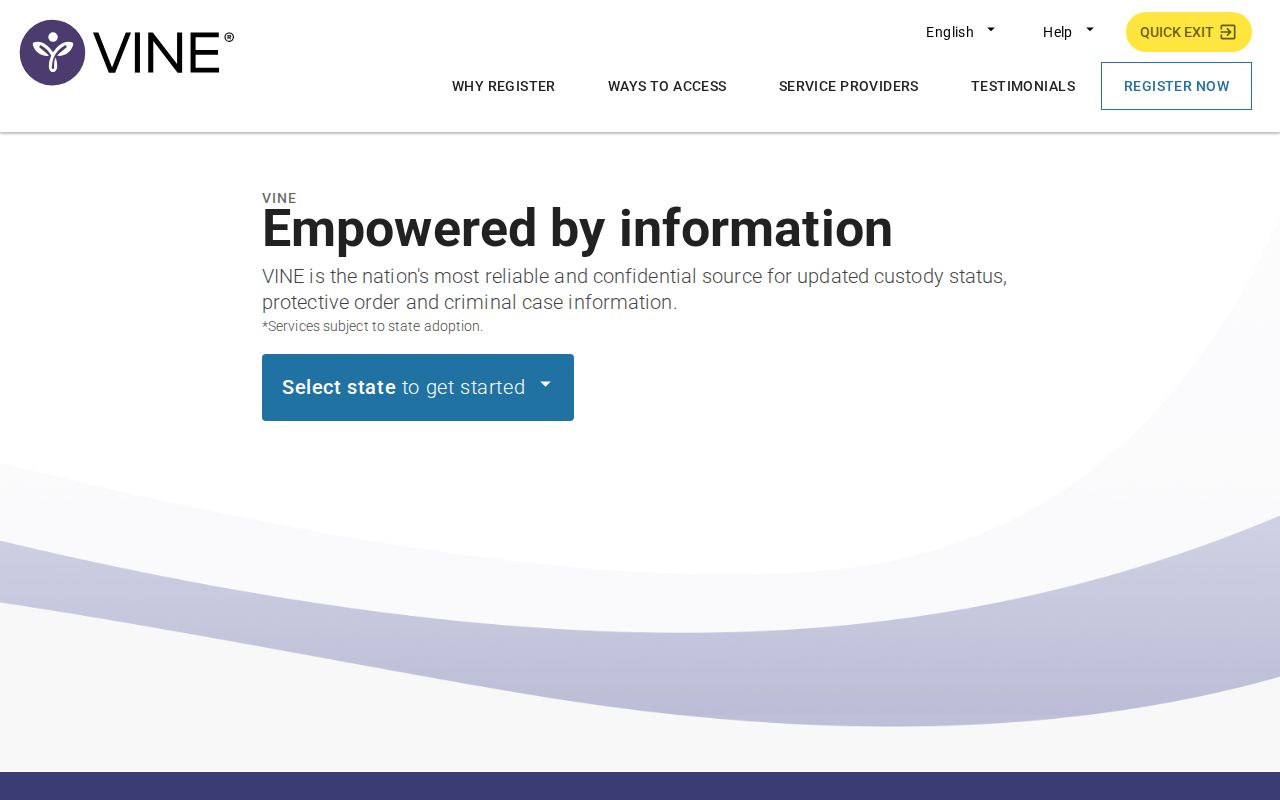
The VINELink homepage marks the service entry point. It does not confirm that Hancock County currently supplies jail data.
Test Hancock VINE Participation
Hancock's uncertainty is not a fine-print footnote. It changes how the lookup works. Mississippi SAVIN describes its coverage as "participating" county facilities. Nothing public shows whether Hancock sends its jail data. The live selector and a state representative remain the real confirmation points.
If Hancock appears, note the provider and update details. If it does not appear, do not assume no one is held. A miss can stem from spelling, an identifier error, intake delay, release, transfer, or custody under a different system, so call the state number and HCSO before giving up.
Note: Statewide VINE availability does not establish that every Mississippi county jail sends live data to the service.
Hancock Alerts Serve Different Jobs
HCSOMS and tip411 serve local public-safety work. Their official descriptions cover anonymous tips, agency alerts, social content, and two-way messages. Inmate names, booking dates, custody status, and booking photos sit outside their scope. Never swap an app for the official roster or VINE.
Mississippi SAVIN / VINE handles custody notification. The HCSO roster covers current county custody. The clerk's record shows how a criminal case ended. Keeping the channels apart prevents a common mistake, like reading an agency alert as proof of booking or a VINE status as a court judgment.
Federal Custody Uses Other Locators
Mississippi's VINE network stops at the county and state line. Federal custody runs on entirely different systems. For a federal inmate, try the Federal Bureau of Prisons locator. It covers 1982 to the present. You can search it by name or by register number. Keep in mind it is not a Hancock County booking feed. It posts no booking photographs.
Immigration custody works differently again. The ICE Online Detainee Locator needs an A-number plus country of birth. An exact name works too. You must add country and date of birth. ICE cautions that some people are not entered right away. Juveniles are not searchable at all. Victims tracking an ICE case should use DHS-VINE, the separate notification channel for that system. So a failed Mississippi VINELink search proves nothing about either federal system.
The Hancock County Public Safety Complex has held federal and immigration detainees in the past. That history alone cannot tell you much. It cannot say where a named person sits now. Confirm through the right locator, the facility itself, or an attorney.
Search Hancock Custody Records
Search with the person's exact name and confirm any match through the agency listed in the result.
Sponsored Results